

5 Creative Ways to Join Walking Clubs and Boost Social Fitness
Joining a walking club adds excitement and a sense of community to an everyday activity. Group walks encourage regular participation, as members rely on each other and...
Apr 22, 2026



Building a practical toolkit to monitor your steps, sleep, nutrition, and stress no longer requires managing endless spreadsheets. Begin by setting specific, realistic goals that match your needs. Choose devices and apps that sync smoothly, so your watch, scales, and phone all share data in one organized place. When your information flows into a single dashboard, you can spot trends quickly and make small changes as needed. This simplified approach helps you stay on track and understand your progress, making healthy routines easier to maintain every day.
This guide shows you how to set goals, choose gear, connect data, and secure your info. Follow each step to set up a streamlined system that works while you live. By the end, you’ll have a custom setup that encourages you toward healthier routines.
Define what matters most before you download any app. You’ll track more consistently when each metric supports a clear aim.
Clarify your timeline too. Are you aiming for a 5K run next month or better sleep within two weeks? Short deadlines boost focus. They also help you choose sensors or apps that match your pace.
Pair your goals with simple routines. For example, fill out a sleep log each morning. Sync data before 9 AM while you sip coffee. Those small habits make big gains over time.
Every system relies on key parts. Decide which devices and platforms form your foundation.
Your wearable should sync seamlessly with your phone. If you chose *Fitbit*, pair it through its official app. If you prefer *Apple Watch*, connect it to *Health* as your central database. Choose tools designed to share data easily. That reduces manual exports.
Balance depth and simplicity. You don’t need every feature under the sun to get started. Focus on trackers that directly support your key goals. That keeps your setup lean and easy to use.
Pick gear that matches both your budget and habits. You want features you’ll actually use every day.
Read user reviews for real-world insights. For example, one study found that barcode scanners cut logging time by 40%. That small time saver adds up over months.
Try free versions before you commit to subscriptions. Many apps offer a 7-day trial with premium features unlocked. Find out which tools fit your routine before investing.
You’ll save hours by linking apps instead of entering details manually. Automation keeps your toolkit in sync with little effort.
Link your sleep tracker to a smart light system. It can dim lights when it senses you’re ready for bed. Or connect your scale to a spreadsheet that charts weight trends with trendlines.
Automating repetitive tasks frees mental space. Once you set it up, you’ll spend more time acting on insights than gathering data.
Sticking to a routine turns tracking into a habit, and protecting your data keeps it secure. Both deserve equal attention.
Follow a daily routine for syncing and reviewing. Pick a moment you won’t skip—like during your morning coffee or after dinner. Regular check-ins help you spot unexpected dips or spikes in performance.
On privacy, turn on two-factor authentication for every account. Review app permissions every few months and revoke access for unused tools. Encrypt sensitive logs or store them offline if you want tighter control.
Use a VPN when you sync data on public Wi-Fi. That simple step prevents unauthorized access. Over time, you’ll trust your setup and share only what you want.
This toolkit grows with you. Adjust goals, swap apps, and refine automations as your needs change. Your data creates a clear picture of progress and areas to improve.
Celebrate each small achievement. Tracking becomes a source of motivation instead of a chore.
Use the right devices, apps, and workflows to maintain healthy habits. Begin with small steps, stay consistent, and secure your information throughout.
Joining a walking club adds excitement and a sense of community to an everyday activity. Group walks encourage regular participation, as members rely on each other and...
Apr 22, 2026

Good sleep forms the foundation for steady energy, a positive mood, and strong focus each day. The habits you build during waking hours have a direct effect on how well...
Apr 15, 2026

Managing healthcare often brings a mix of confusion and stress as you balance appointments, paperwork, and unfamiliar terms. Clear guidance helps you stay calm and make...
Jun 28, 2026

Long hours at a desk often lead to stiff muscles and reduced blood flow. Taking a few minutes for stretch breaks throughout the day loosens your body and helps you feel...
Jun 10, 2026

Managing ongoing aches often proves challenging, yet moving your body can offer noticeable relief. Pain may prompt you to rest, but gentle physical activity actually...
Apr 29, 2026

Many people find that reducing alcohol intake feels more manageable when they focus on small, practical adjustments. Choosing to pour less at home, keeping track of each...
Mar 31, 2026

Small choices before bedtime greatly affect how well we sleep each night. When the soft light from phones or televisions fills the room after dark, our brains stay alert...
May 07, 2026

Close relationships with friends, family, and neighbors can brighten our mood and support overall physical health. When people connect with others, the brain releases...
Jun 24, 2026
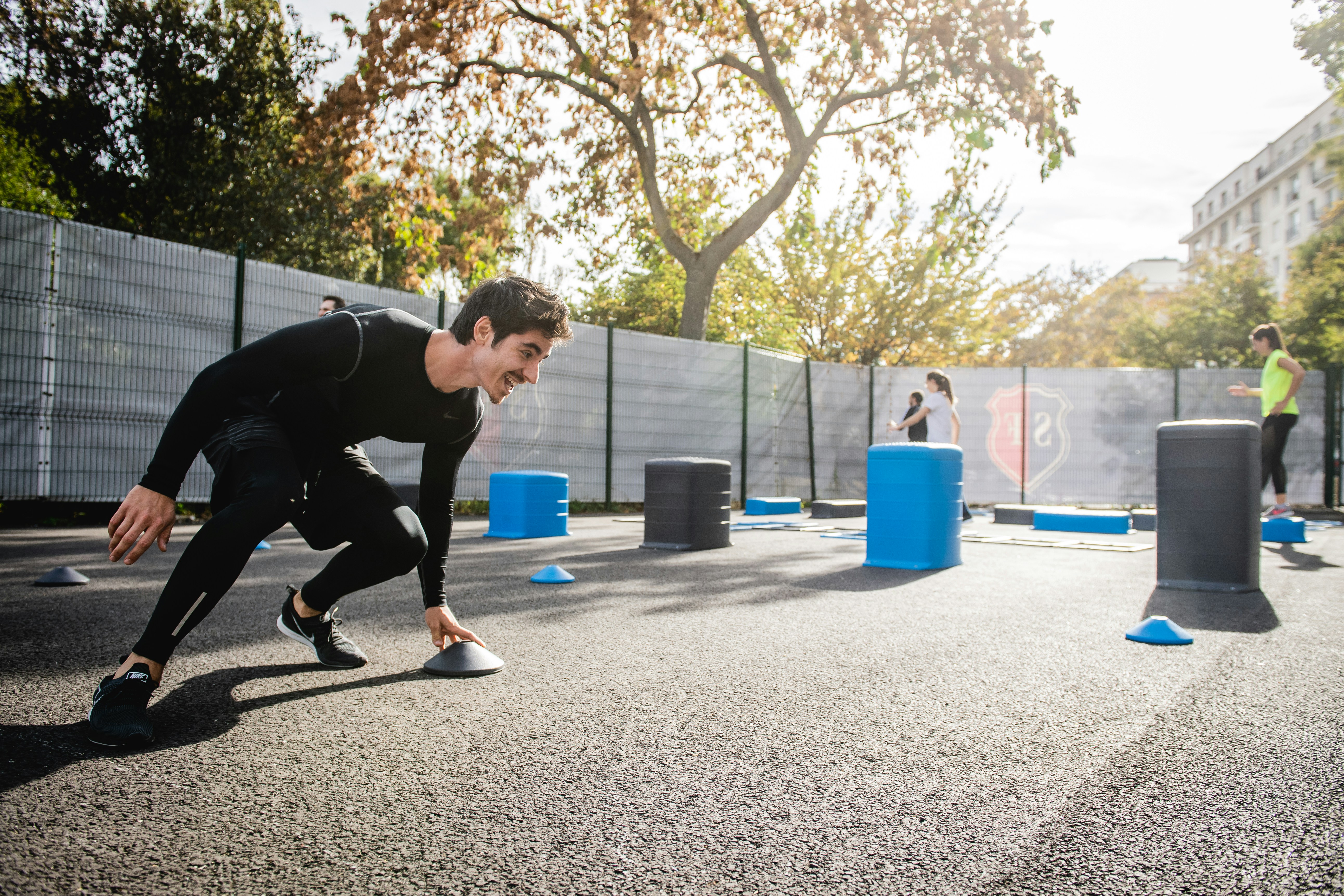
Fresh air and natural scenery bring a welcome change to any exercise routine. Instead of repeating the same movements indoors, outdoor workouts introduce new sensations...
Mar 27, 2026

Fresh sneakers on your feet and a new field or court ahead bring a sense of excitement and anticipation. Many people who join a league feel curious and slightly nervous...
Jun 06, 2026

Starting your day with a reliable morning routine can make a big difference in how energized and alert you feel. Choose a wake-up time and stick to it each day to give...
Jul 05, 2026

Busy schedules often leave little time for lengthy gym sessions, but circuit training makes it possible to stay active and fit without sacrificing hours each week. By...
Apr 25, 2026

Simple changes to your daily routine can improve your health while supporting the environment. Swapping out certain kitchen staples, exploring alternative ways to...
May 09, 2026

Many people find nutrition labels confusing, almost like trying to solve a puzzle. Learning to read them gives you the power to make better choices every time you shop....
May 12, 2026