

5 Fitness Modifications That Help You Stay Active With Injuries
Recovering from an injury often means finding new ways to keep your body moving while protecting the area that needs time to heal. When you deal with a sore knee, a...
Jun 02, 2026



Many people find that the excitement of working remotely fades when aches and pains begin to creep in, especially in the neck and back. Setting up a workspace that keeps you comfortable throughout the day makes a big difference. By choosing the right equipment, paying attention to your posture, and taking regular short breaks, you can support your body and maintain your focus. These small changes go a long way in preventing discomfort and boosting your overall energy. A thoughtful approach to your work environment helps you stay productive and enjoy the benefits of working from home without the distraction of physical strain.
Begin by focusing on small changes that have a big impact. Adjust your desk height by an inch or two. Replace a cluttered desk with a clear surface. Add one properly placed cushion. Over time, these adjustments provide lasting relief.
A strong foundation starts with the right gear. Select items that fit your body and your budget. Don’t overthink it. Prioritize quality over flashy features.
Position items within easy reach. Keep your mug, notebook, and phone close enough to reach without twisting or stretching. This reduces strain during tasks. A tidy workspace also lowers stress levels.
Sitting upright may feel strange at first. Your body needs some time to get used to it. Start with small goals: keep a neutral spine for 15 minutes, then extend to an hour.
Press your back firmly against the chair. Slide your hips to touch the backrest. Keep your shoulders relaxed and aligned over your hips. Slightly tuck your chin to prevent a forward head posture.
Vary your tasks to avoid staying still for too long. If you answer calls, stand and walk around. Switch between typing and writing on paper. Changing activities keeps your muscles active.
Check your posture every 20 minutes. Set a timer on your phone. A quick glance helps you notice if you are slouching. Make micro-adjustments by rolling your shoulders back or shifting your pelvis forward.
Remaining stationary drains your focus and strains your muscles. A simple routine restores circulation and sharpens your concentration. Follow these steps:
Take breaks every 30 minutes. Walk to the kitchen for water. Step outside for a quick breath of fresh air. These pauses improve productivity more than long, continuous work sessions.
Your hands play a vital role in daily tasks. Choose tools that reduce strain. An ergonomic keyboard minimizes wrist bending. A vertical mouse keeps your wrist in a handshake position.
Place your keyboard flat or slightly tilted away from you. Keep it directly in front of your body. Rest your wrists on a soft pad. A gel wrist rest lessens pressure.
Select a mouse that suits your grip style. Claw, fingertip, or palm—each has a compatible design. The Logitech MX Master and other models feature programmable buttons to speed up common actions.
Remember to switch hands when possible. A few clicks with your left hand create new neural pathways. It also gives your right side a break.
Position monitors perpendicular to windows. This setup reduces glare without blocking sunlight. If reflections still appear, add an anti-glare filter.
Adjust your screen brightness to match room lighting. Make text large enough to read comfortably without leaning forward. Larger fonts decrease squinting and forward head tilt.
Consider adding a second monitor to spread out open windows. This setup helps you scan less and coordinate tasks more easily. Place it at the same height as your main screen.
Using proper equipment, maintaining good posture, and taking micro-breaks reduce aches and improve focus. Develop a routine that suits you, and your body will benefit in the long run.
Recovering from an injury often means finding new ways to keep your body moving while protecting the area that needs time to heal. When you deal with a sore knee, a...
Jun 02, 2026

Daily activities such as carrying groceries, climbing stairs, or lifting a child become much easier when your body moves smoothly and efficiently. Strong muscles, good...
Mar 20, 2026
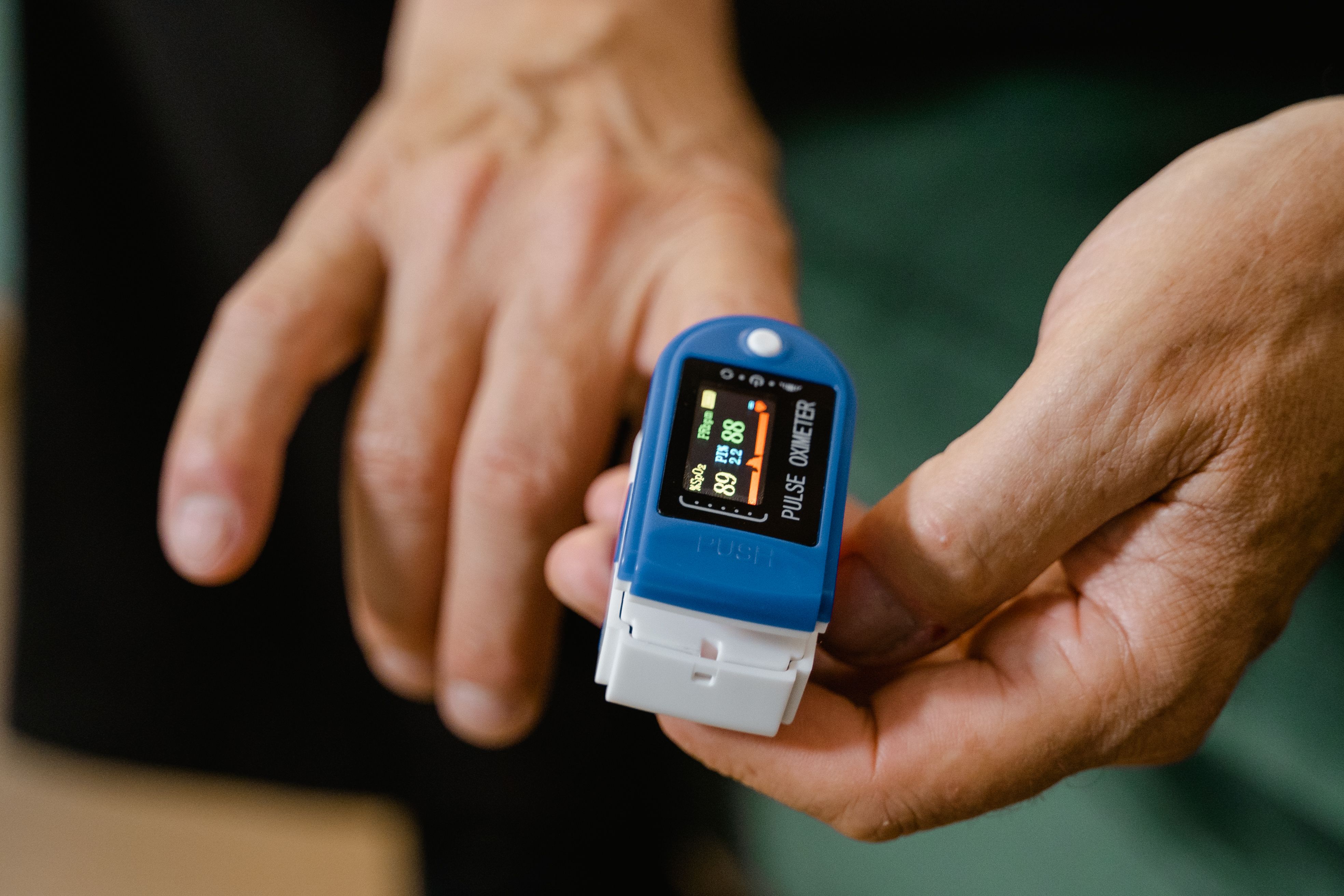
Modern apps and devices simplify the way people keep an eye on their health. These tools deliver instant updates on daily steps, sleep quality, meals, and even stress....
Jul 01, 2026
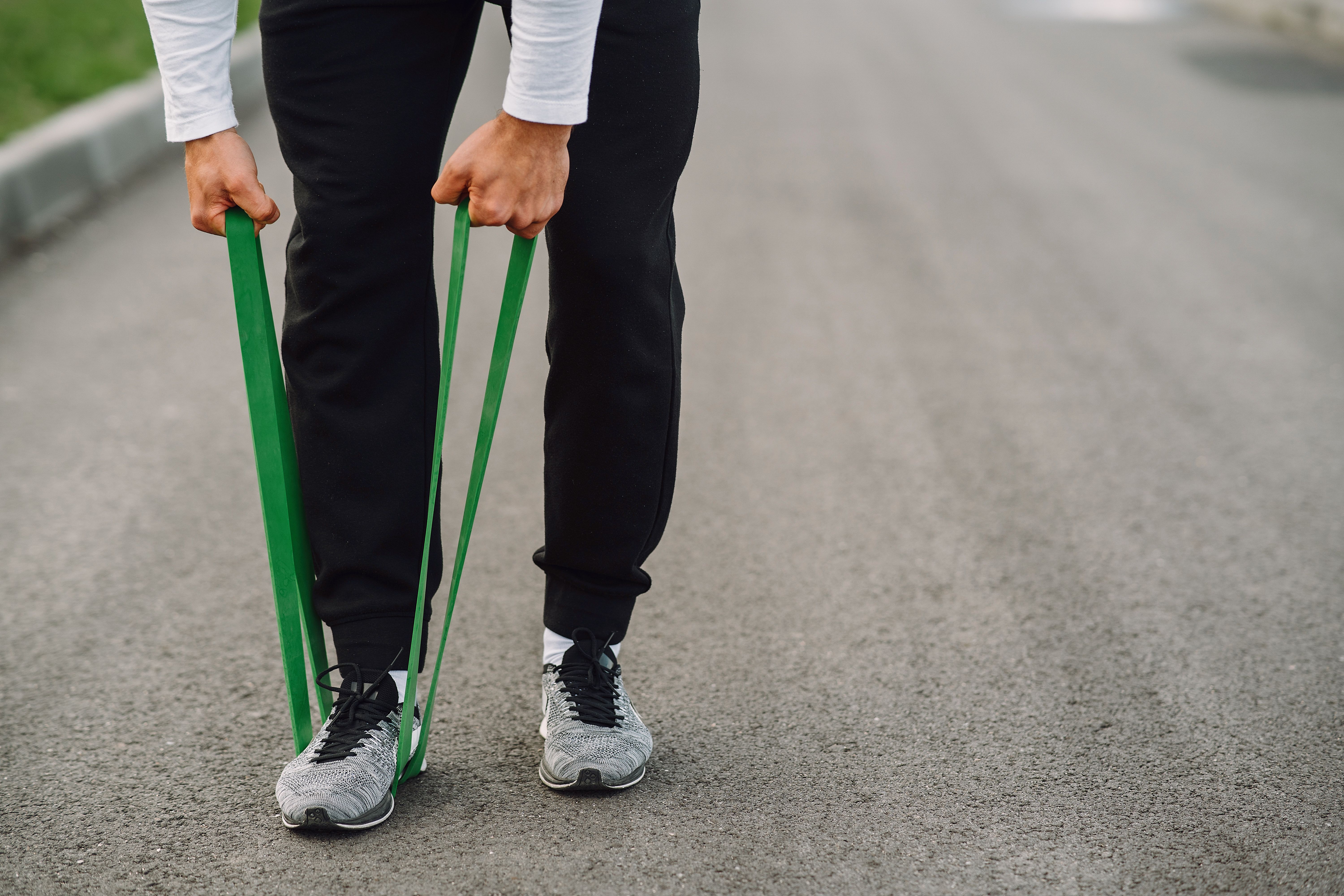
Resistance bands offer an effective way to build strength and increase flexibility without the need for heavy equipment. Their compact size means you can store them in a...
Jul 10, 2026
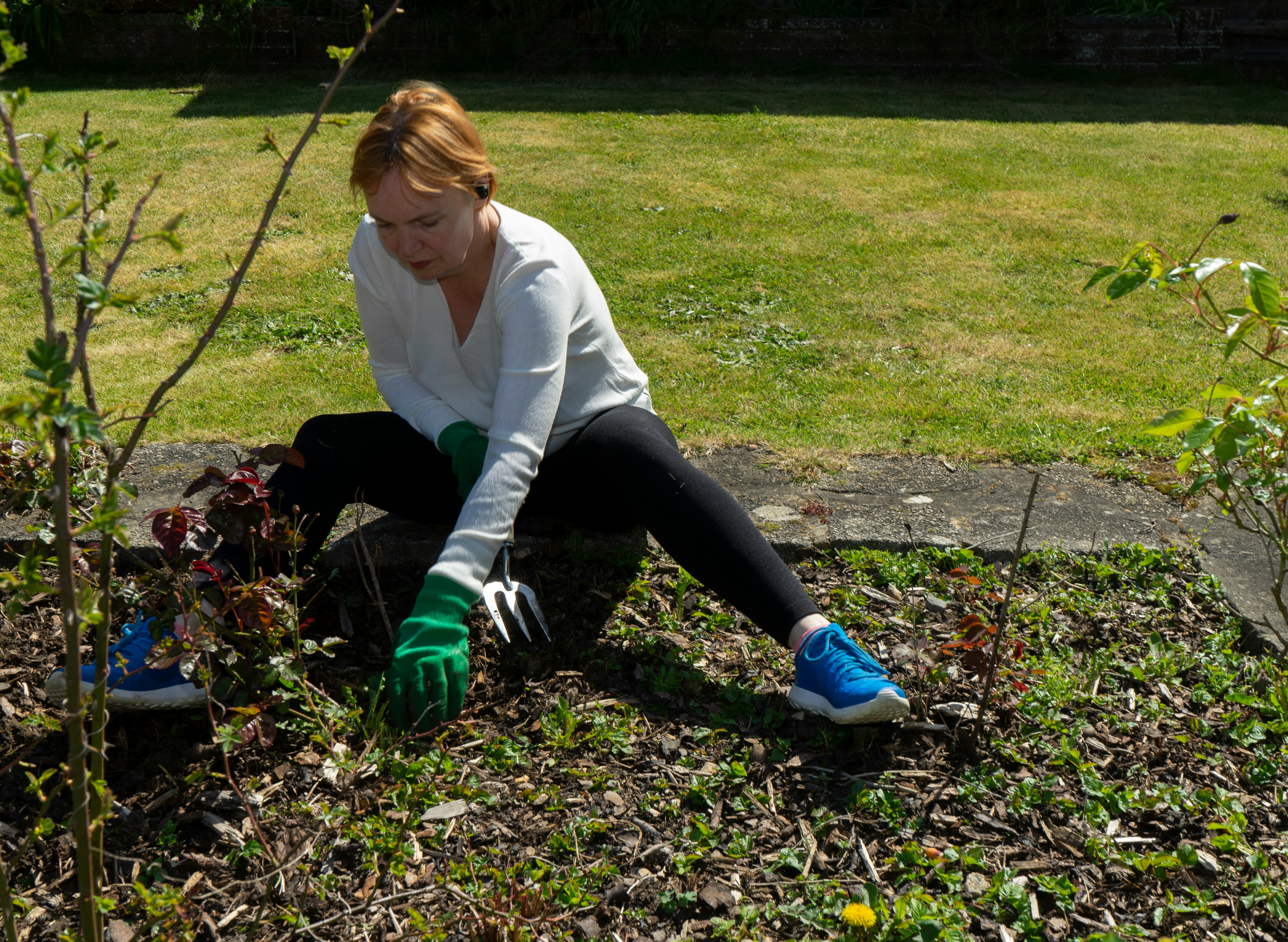
Working in your garden brings a sense of joy and keeps you active throughout the day. Sunshine, fresh air, and the sight of blooming flowers create a welcoming space...
Apr 03, 2026

Riding a bike offers a practical way to improve both lung capacity and heart health, making it easier to handle everyday stress. Pedaling on a regular basis gives you a...
Jul 15, 2026

Preparing meals ahead of time streamlines your approach to healthy eating and makes evenings much less hectic. By choosing reliable kitchen equipment, you can create...
Jun 21, 2026

Busy schedules often leave little time for lengthy gym sessions, but circuit training makes it possible to stay active and fit without sacrificing hours each week. By...
Apr 25, 2026

Regular health checkups offer significant benefits by helping you spot potential problems before they become serious. By choosing screenings that fit your age,...
May 23, 2026

Good sleep forms the foundation for steady energy, a positive mood, and strong focus each day. The habits you build during waking hours have a direct effect on how well...
Apr 15, 2026

Small changes around your home can help reduce exposure to hidden chemicals without overwhelming your daily routine. Switching to gentler cleaning products, improving...
Jun 15, 2026

Many offices find that paperwork causes delays and unnecessary frustration during visits. Switching to online tools allows staff to handle information more efficiently,...
May 19, 2026

Small choices before bedtime greatly affect how well we sleep each night. When the soft light from phones or televisions fills the room after dark, our brains stay alert...
May 07, 2026

Cutting back on sugar often seems challenging at first, yet even minor changes can make a noticeable difference over time. This guide highlights seven easy methods to...
May 02, 2026